Mobile AdBlue Delete at Home or Work: How to Prepare for Your Appointment
An AdBlue warning or no-start countdown can leave you wondering how to arrange help around work and home. To prepare for a mobile AdBlue Delete appointment, have your registration, postcode and warning details ready, choose a safe parking place and make sure the technician can access your car or van. Start by sending your registration, postcode and a photo of the warning through WhatsApp. You can also call or use the quote form. AdBlue Fix checks vehicle suitability before quoting, then arranges a mobile visit subject to availability.
What warning is your car or van showing?
You might be seeing an AdBlue warning, a countdown message or a warning that remains after a refill. Tell us exactly what the display says rather than trying to identify the cause yourself.
Photograph the message while safely parked. If there is a countdown, include the remaining distance shown. Let us know whether the vehicle starts and whether you have noticed any other symptoms. This helps us understand your enquiry without guessing.
Know what the appointment covers
AdBlue Delete and AdBlue Removal are two names for the same software service. The engine computer's software is changed so it no longer runs or monitors the AdBlue system, clearing the related warnings and countdown.
We do not replace, fit, repair or clean parts. This work does not fix unrelated engine faults, so mention other warning lights or running problems when you contact us.
Not every car or van is suitable. We check from your registration before providing a quote, rather than assuming that every vehicle with an AdBlue warning can have the work.
Prepare your driveway or workplace parking space
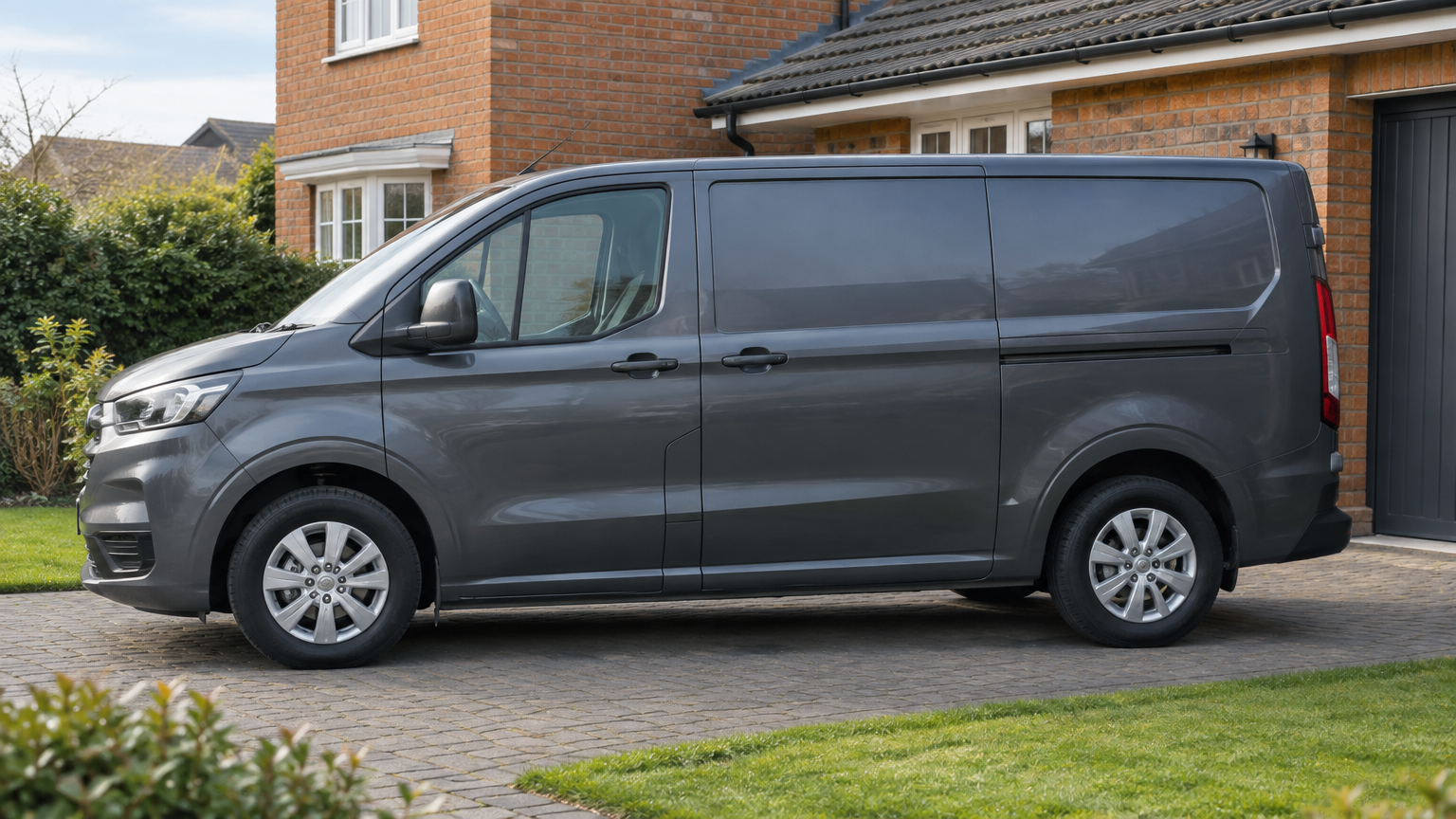
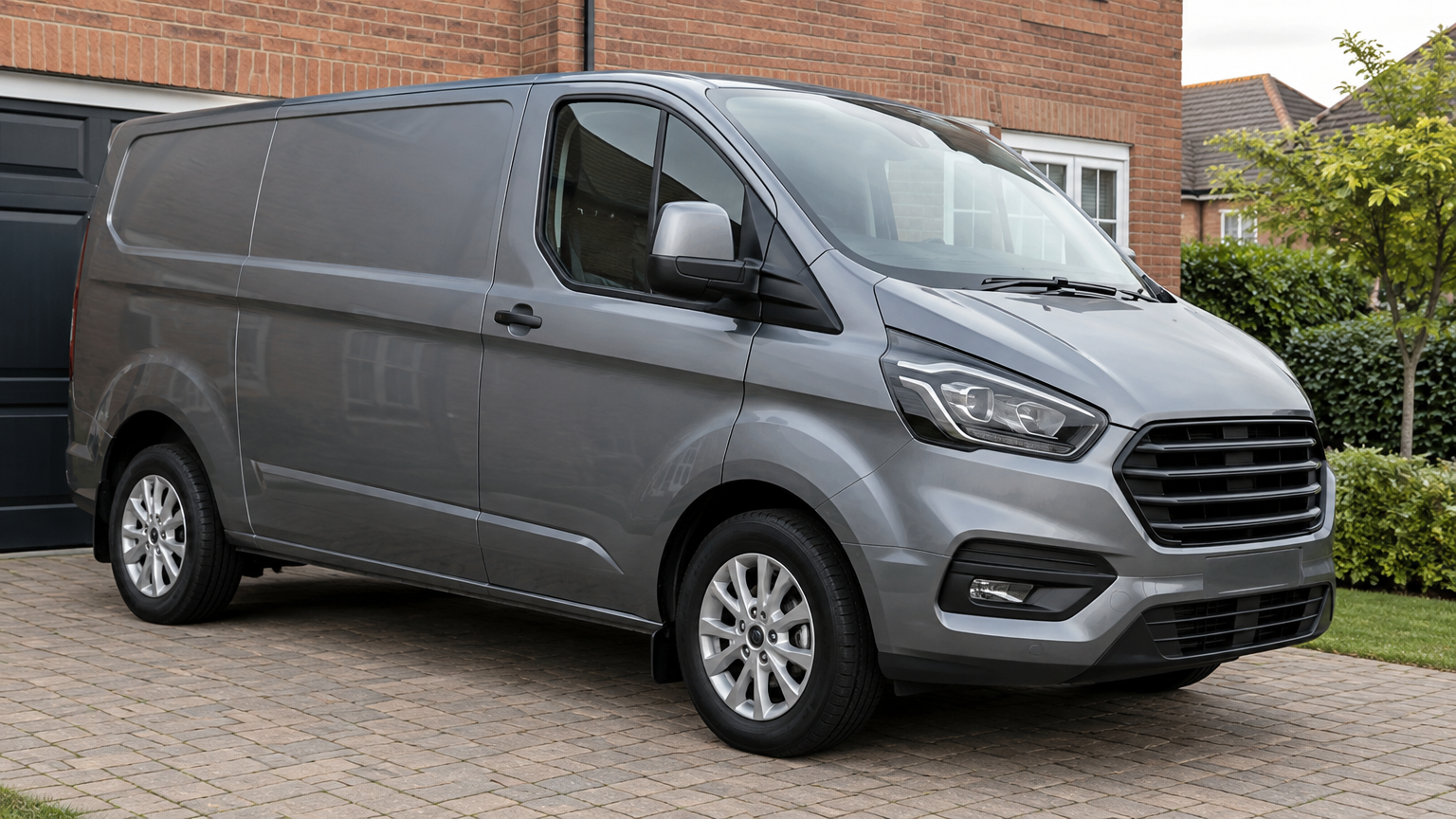
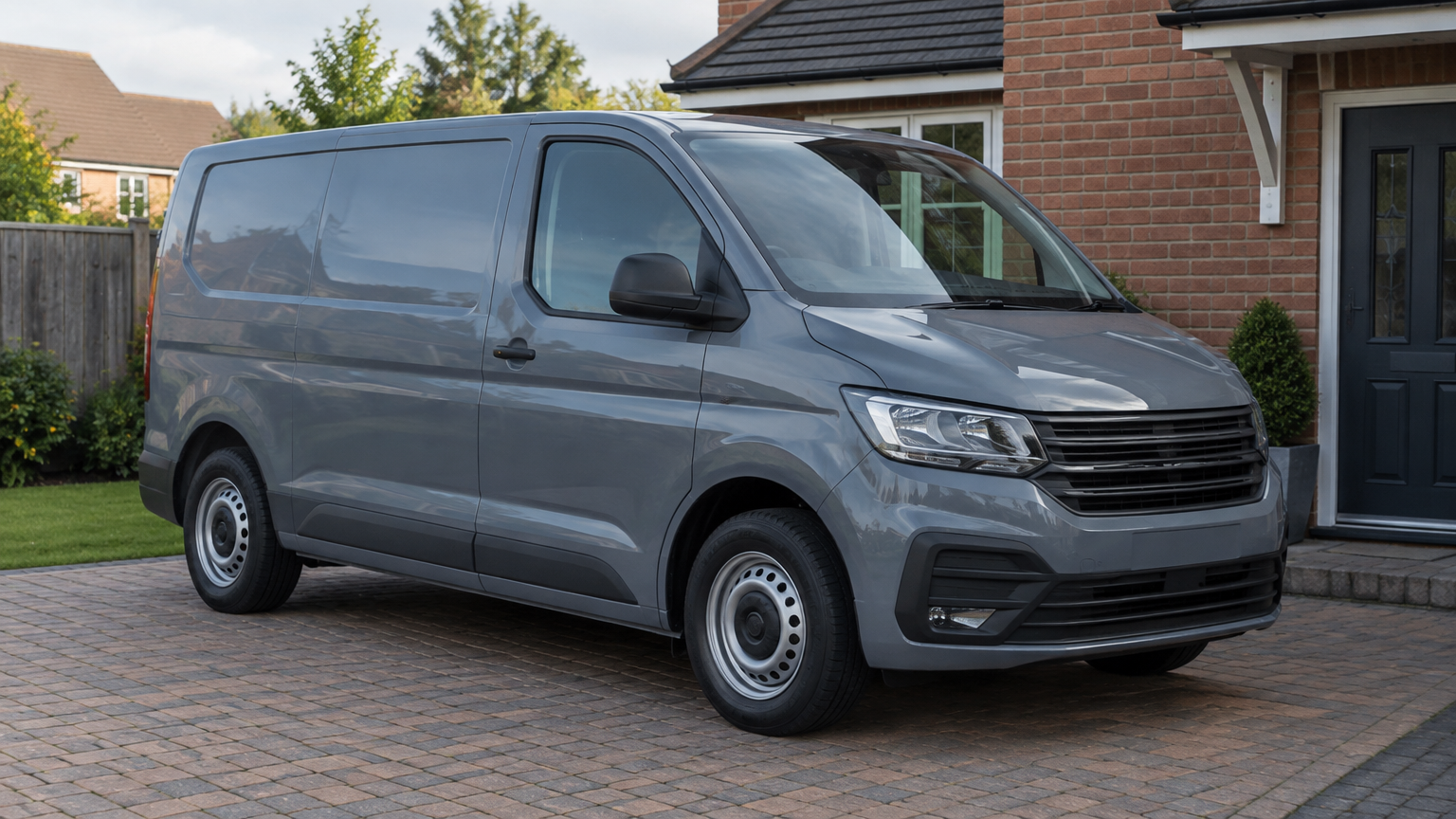
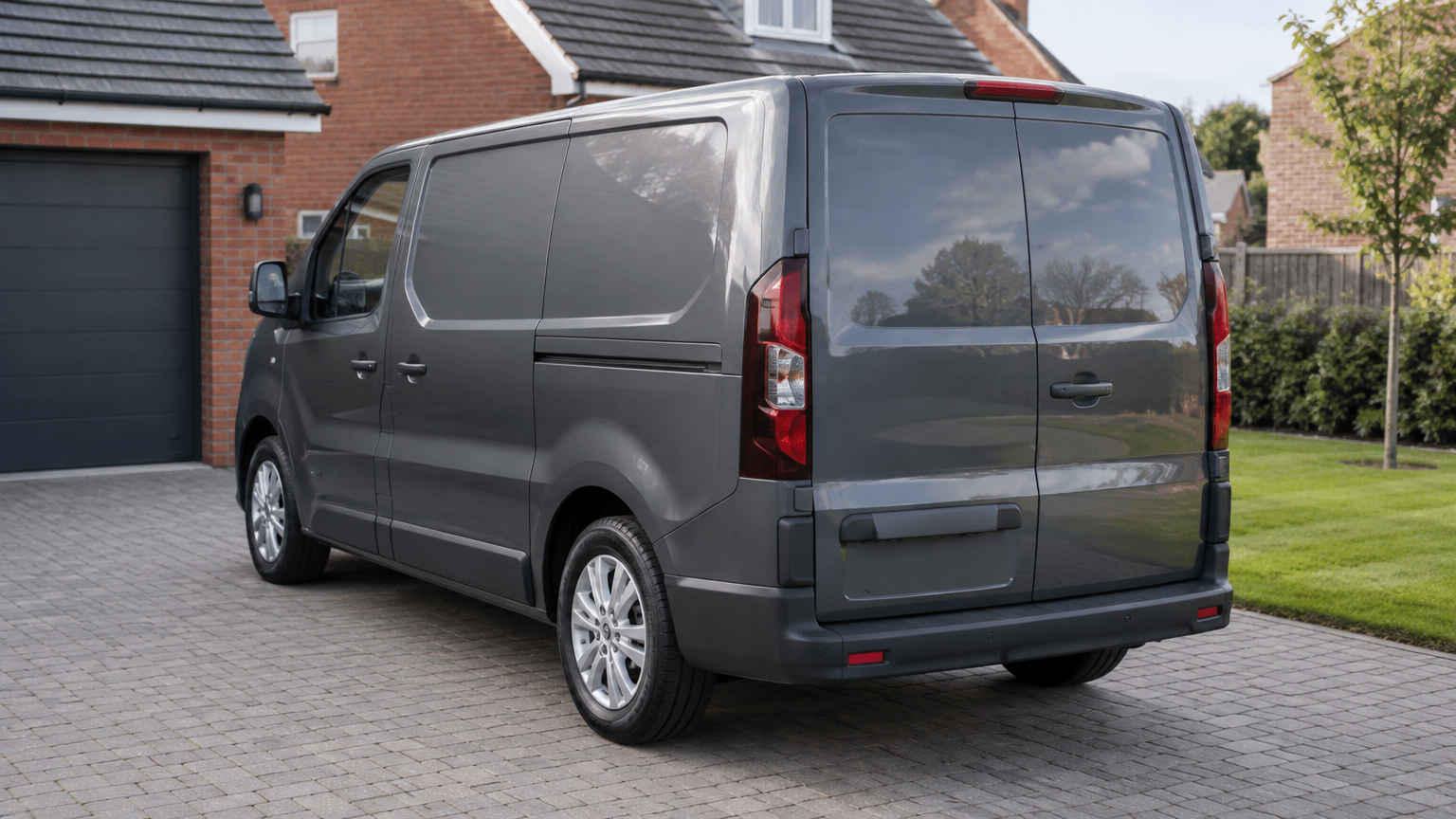
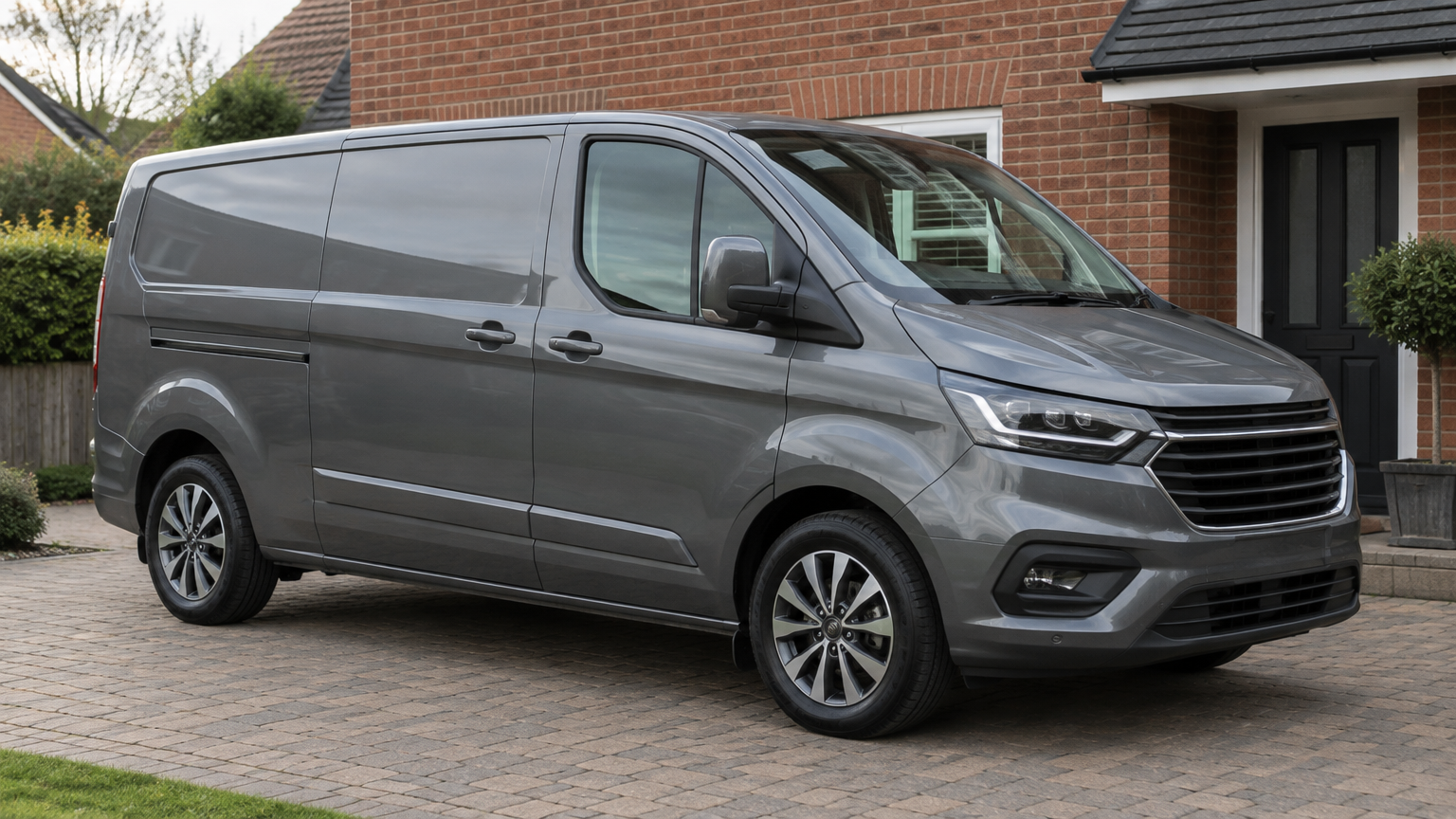
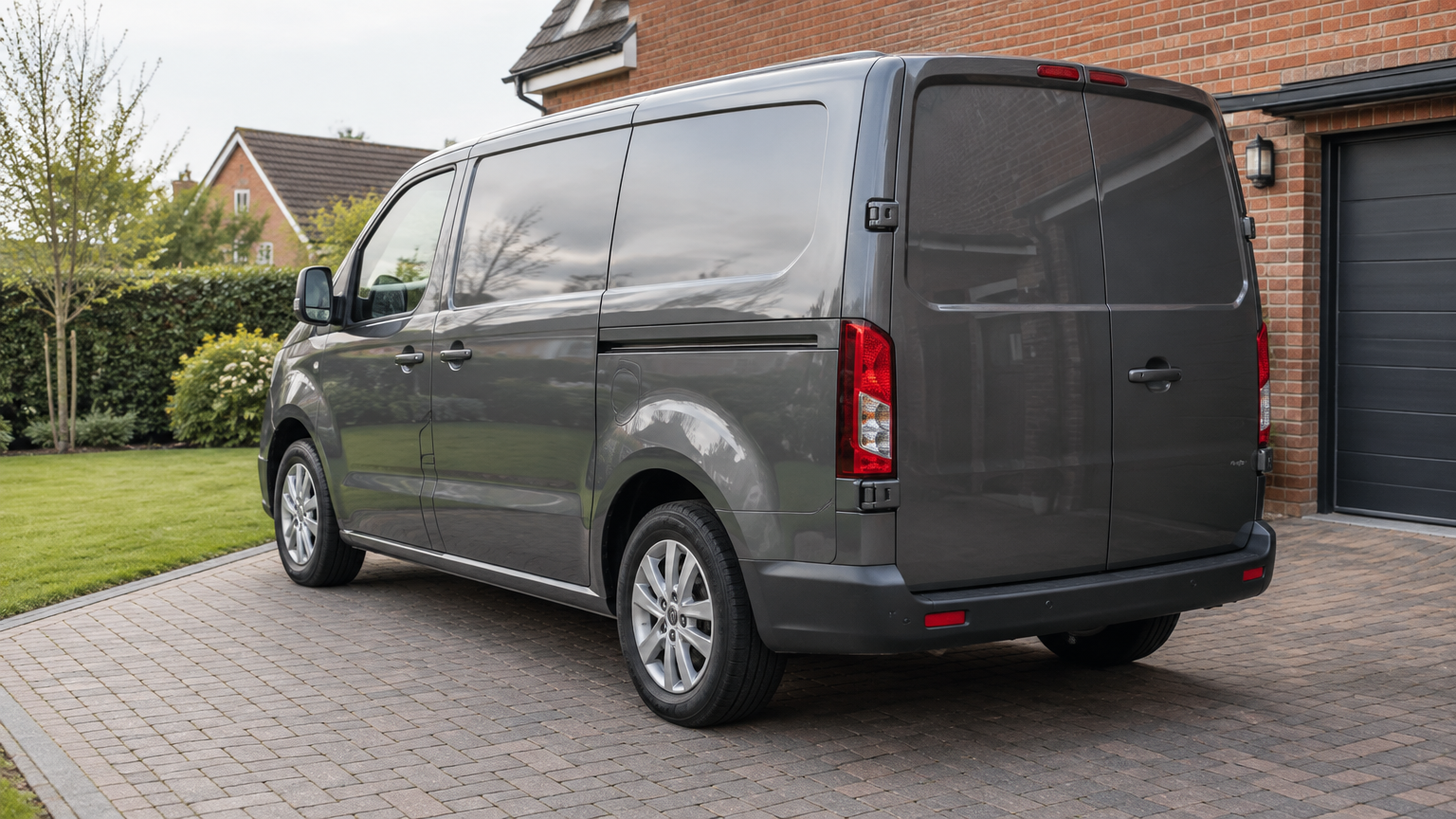
Choose a safe place where the technician can reach the vehicle and open its doors without obstructing traffic or busy access routes. A driveway or an agreed workplace parking space may be suitable. If you are unsure, send a photo of the location before booking.
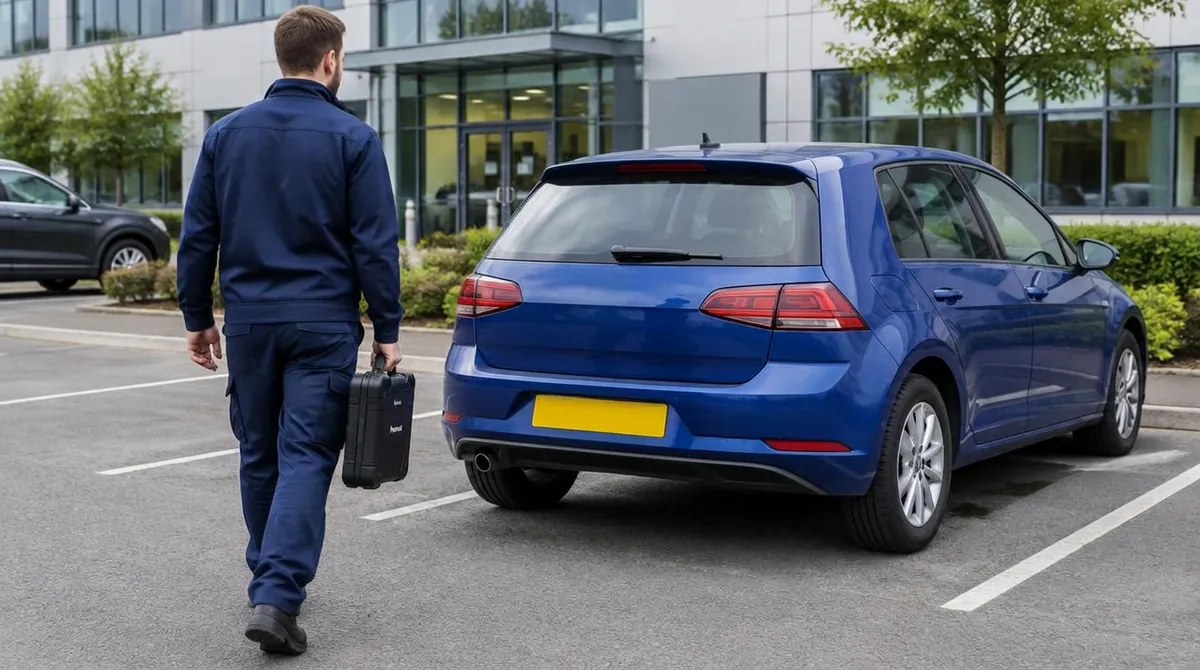
For a workplace visit, get permission to use the space and explain any security arrangements in advance. Keep your keys available and remove belongings that could obstruct access inside the vehicle. There is no need to dismantle anything yourself.
- Give the exact parking location, not just a large site's postcode.
- Tell us about gates, height restrictions or visitor check-in requirements.
- Keep your phone available so we can contact you about access.
- Let us know if the vehicle's location or starting condition changes before the visit.
How AdBlue Fix brings the service to you
Once suitability has been checked and you have accepted the quote, we can arrange to attend your home, workplace or another safe location across England, subject to availability. Explain any access restrictions before agreeing the appointment.
Standard hours are Monday to Sunday, 8 AM to 8 PM. Emergency callouts are available 24/7, subject to location and availability. An additional emergency callout charge is confirmed before dispatch.
If the vehicle already will not start, tell us at the enquiry stage. Do not assume that every starting problem is AdBlue-related or that software work will address an unrelated fault.
Experience and clear cover for the software work
The team behind AdBlue Fix has helped thousands of customers. Experienced technicians provide a nationwide mobile service across England, and you can read genuine Google reviews before deciding to book.
Our No Fix, No Fee commitment is straightforward: If we cannot complete the job, there is no charge.
The Lifetime Software Warranty applies to the software work on that vehicle. If the covered work develops a problem, we correct it again. Later software updates or recalls void the warranty. Callout charges, including emergency callout charges, are not covered.
Book your mobile appointment in three steps
You do not need to know the technical cause before getting in touch. Clear vehicle details, a readable warning photo and an accessible location are the starting points.
- 1. Send your registration, postcode and warning details by WhatsApp, call us or use the quote form. Include a warning photo where possible.
- 2. We check suitability and provide a quote for the agreed software service.
- 3. Arrange a mobile appointment and confirm the parking location, access arrangements and who will provide the keys.
Useful pages
Customer FAQs
Can you attend while I am at work?
A workplace visit can be arranged subject to availability and a safe, permitted parking space. Confirm security requirements and who will give the technician access to the vehicle.
Do I need to remove any parts beforehand?
No. Leave the vehicle assembled. This is software work, not a parts replacement service. Have the keys ready and clear belongings that could restrict access.
What if I cannot get a photo of the warning?
Send the exact wording instead, including any countdown shown. Add your registration and postcode, and tell us whether the car or van currently starts.
Can I book a remap with the AdBlue work?
You can ask about Economy Remap, Performance Remap, Stage 1 Remap or Stage 2 Remap. Suitability must be checked, and Stage 2 needs suitable supporting modifications. These are quoted separately and are not included free with AdBlue work.
What should I do before a later software update or recall?
Contact us to discuss the covered software work before proceeding. Later software updates or recalls void the Lifetime Software Warranty.
Need Help With an AdBlue Warning?
Send your registration, postcode and a photo of the warning. We check suitability and confirm the price before anything is booked.
More about this service