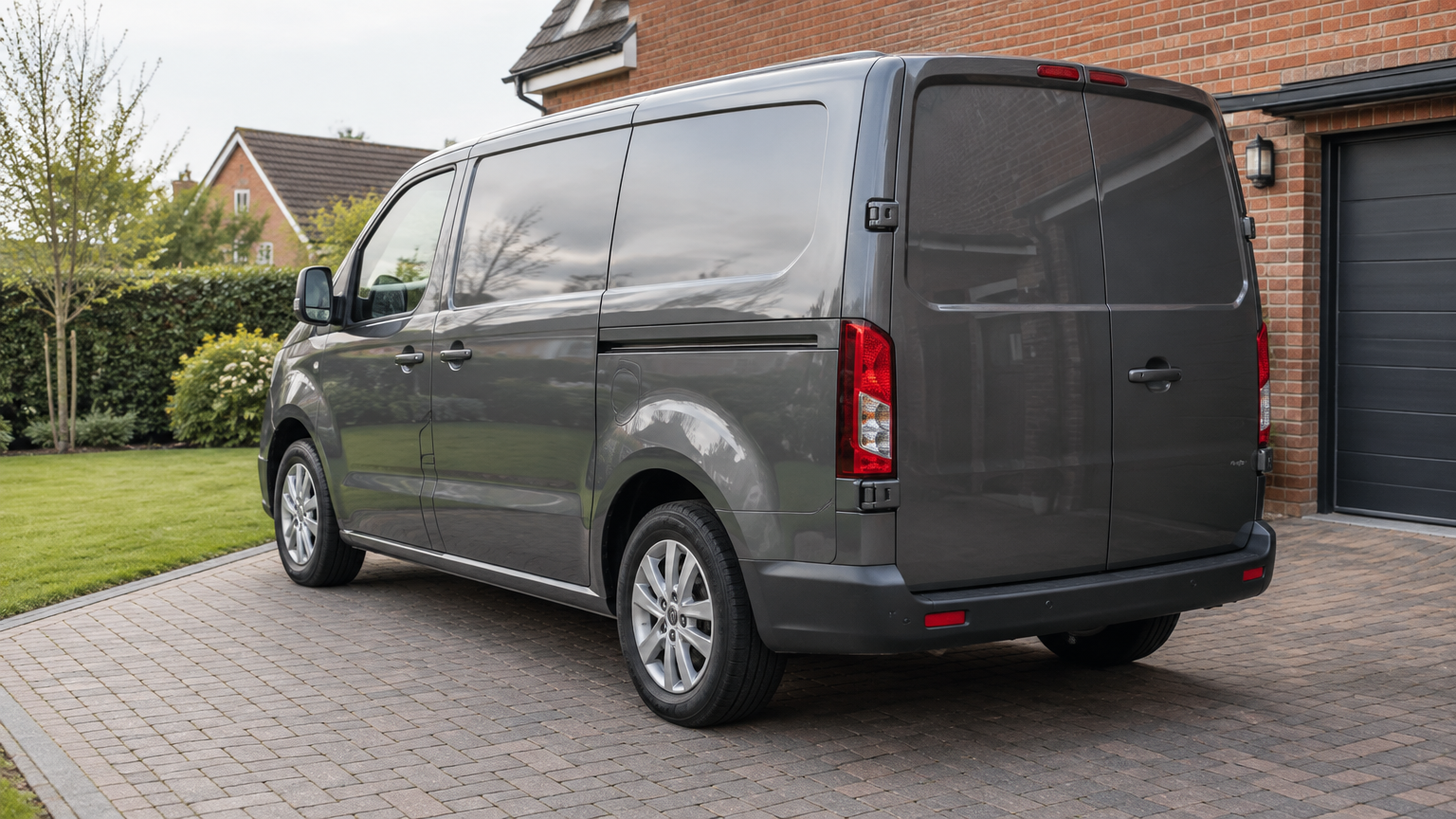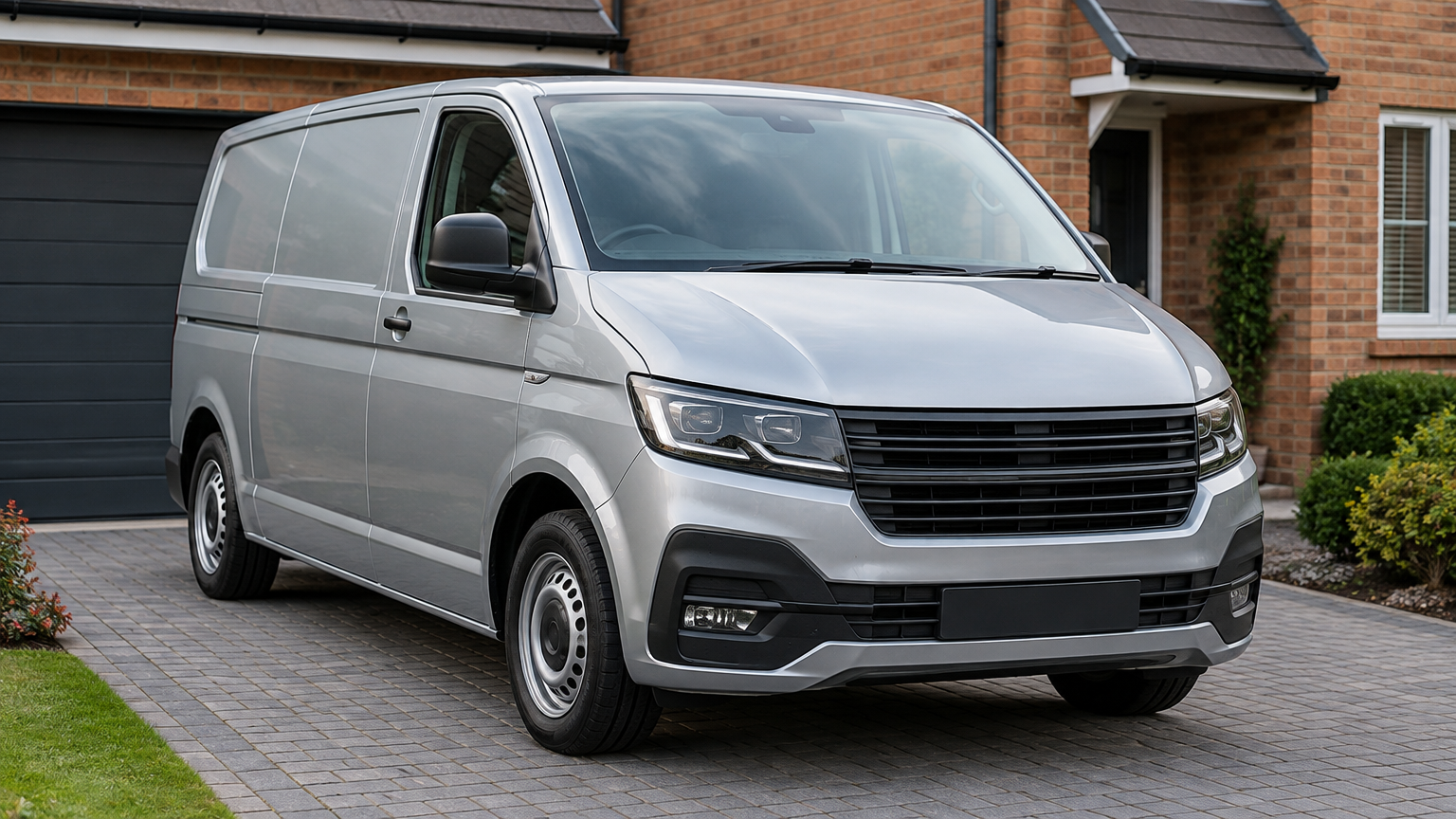
Mobile AdBlue Delete: How an At-Home Appointment Works
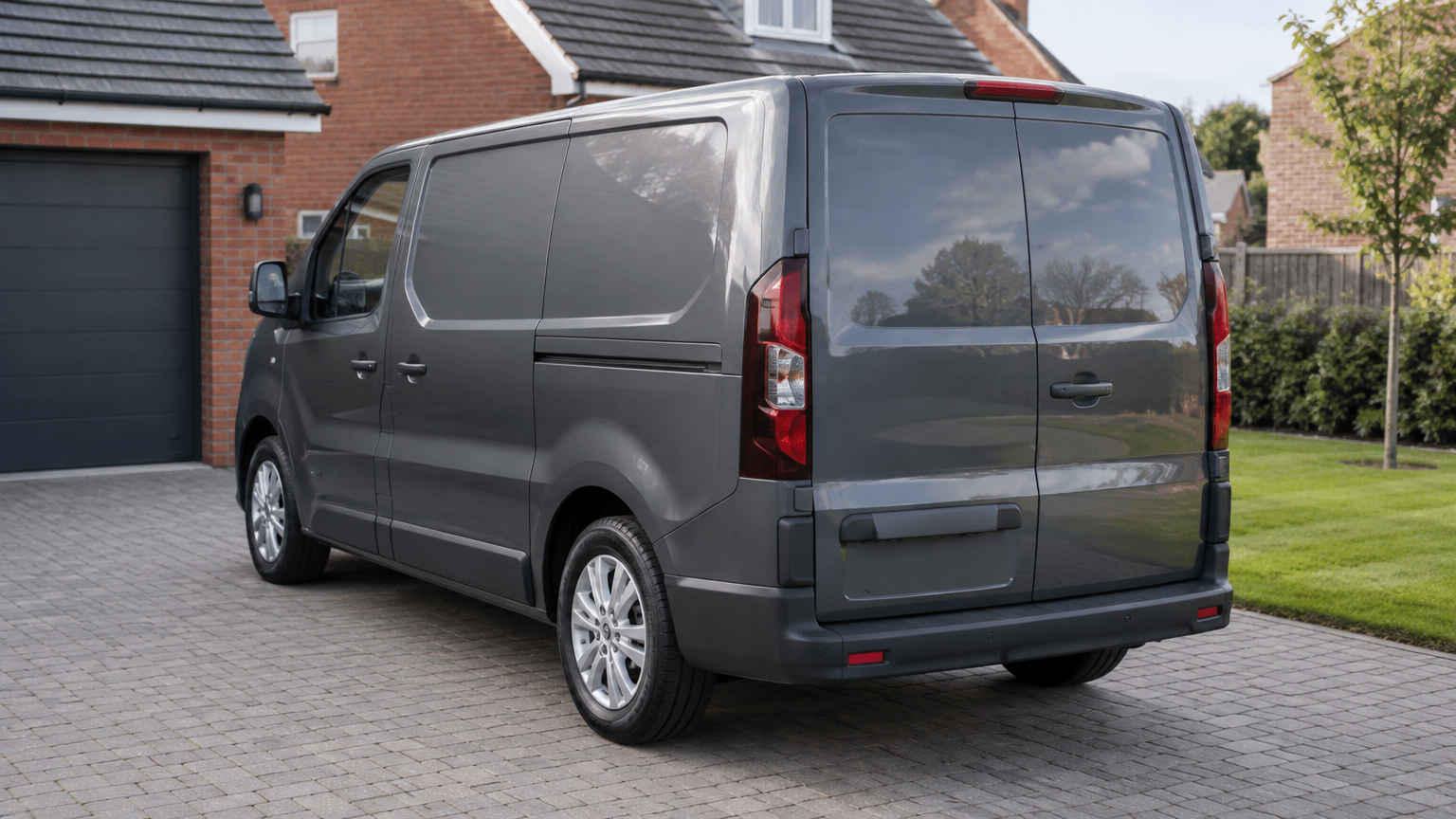
An AdBlue warning keeps appearing, or a countdown has left you wondering whether your car or van will start again. A mobile AdBlue Delete appointment brings the software service to your home, workplace or another safe location. We check suitability before quoting, then arrange a visit for an experienced technician to carry out the agreed software work. Start by sending your registration, postcode and a photo of the warning through WhatsApp. You can also call with those details or use our quote form. Tell us whether the vehicle currently starts and include any countdown shown, so we understand your situation before discussing an appointment.
What should you tell us about the warning?
You do not need to diagnose the problem yourself. The wording on the dashboard is more useful than a guess about which part might be responsible. A clear photo helps us see exactly what you are seeing.
Mention whether the warning stayed on after a refill, whether a countdown is displayed and whether anything else has changed. If the vehicle will not start, make that clear when you contact us. We cannot assume every starting problem or engine warning is caused by AdBlue.
What AdBlue Delete actually involves
AdBlue Delete and AdBlue Removal are two names for the same software service. The engine computer's software is changed so it no longer runs or monitors the AdBlue system, clearing the related warnings and countdown.
Despite the word removal, this is not a parts-removal appointment. We do not replace, fit, repair or clean components. The work also does not fix unrelated engine faults, so tell us about other symptoms rather than assuming they are included.
Not every car or van is suitable. We check from your registration before quoting, rather than treating every diesel vehicle as the same.
How the visit works at your home
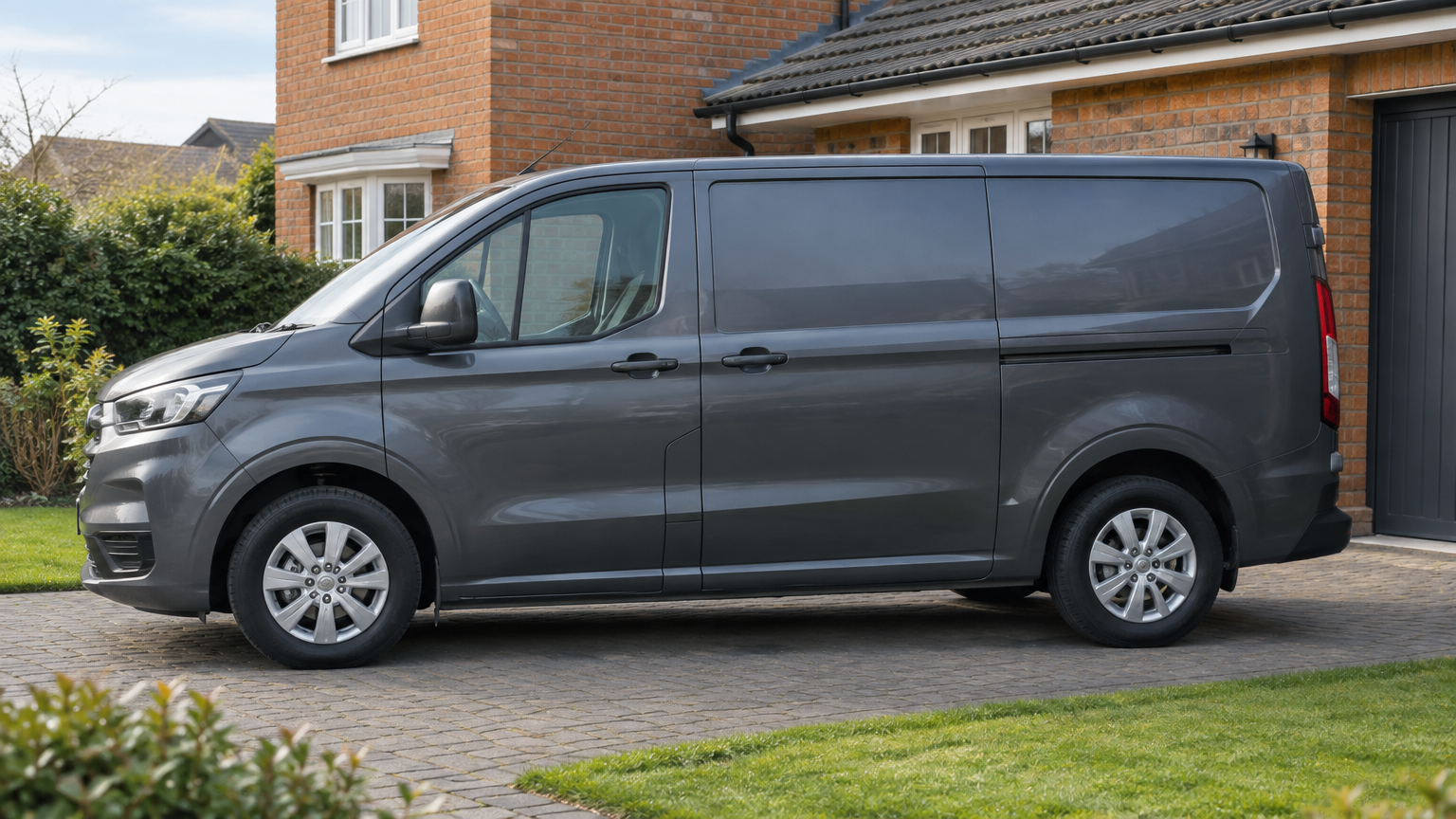
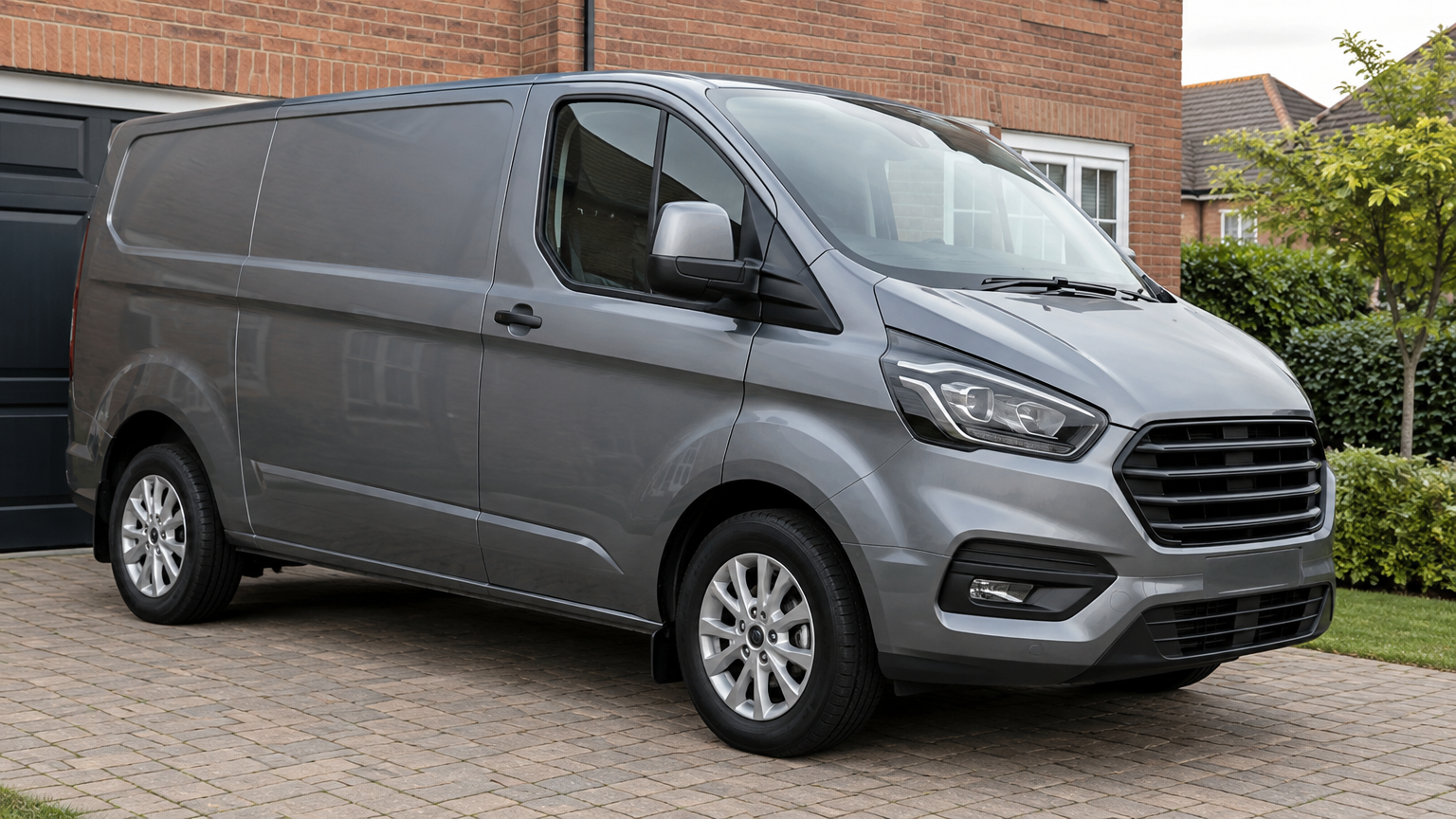
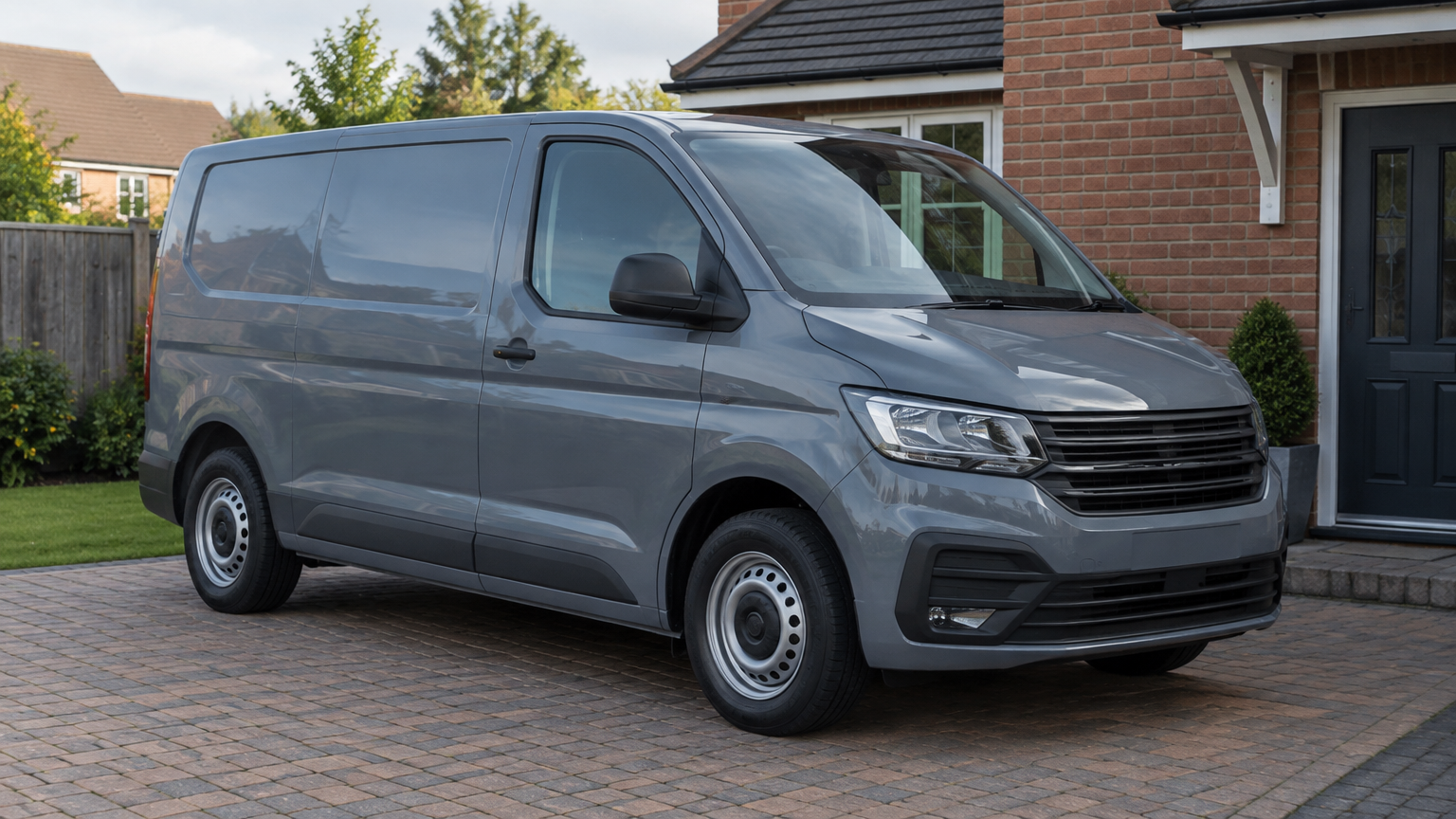
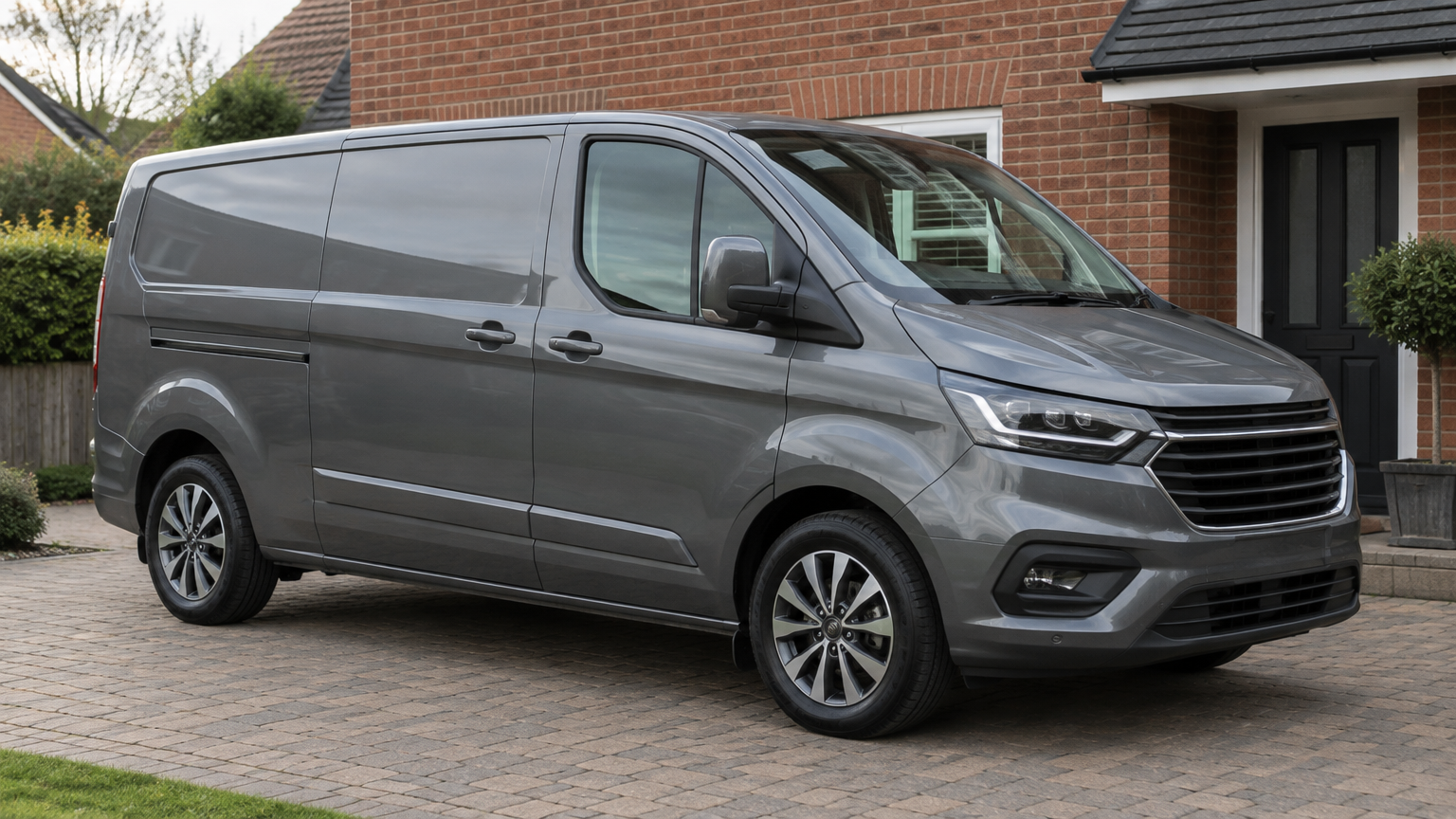
Once suitability has been checked and you have accepted the quote, we arrange the mobile appointment. A home driveway can be a convenient option, but we can also visit your workplace or another safe place across England. Let us know about restricted access or parking arrangements beforehand.
Have the vehicle keys available and make sure the technician can access the car or van. Keep your warning photo handy too, particularly if the message is not always displayed. You do not need to identify components or prepare any tools.
At the visit, the technician reviews the warning details with you and carries out the agreed software work. The focus is the AdBlue-related software, not general engine repairs. Before the appointment ends, you can ask about the completed work and the warranty conditions.
Why choose AdBlue Fix?
Our team brings more than 10 years of experience, with experienced technicians providing a mobile service throughout England. You can read genuine Google reviews when deciding whether to book.
Standard hours are Monday to Sunday, 8 AM to 8 PM, with 24/7 emergency callouts available. If your vehicle is already unable to start, tell us when enquiring so we can discuss the callout request.
Our No Fix, No Fee commitment is straightforward: If we cannot complete the job, there is no charge.
Understand the software warranty
The Lifetime Software Warranty applies to the software work on that vehicle. If the covered work develops a problem, we correct it again. It is not a warranty for vehicle parts or unrelated faults.
Later software updates or recalls void the warranty. Callout charges, including emergency callout charges, are not covered. Keep these conditions in mind if further software work or a recall is planned.
Book your mobile appointment in three steps
There is no need to work out the technical details before getting in touch. Give us the vehicle information and warning details, and we can take the enquiry from there.
- Send your registration, postcode and a photo of the warning by WhatsApp, call us with the details or use the quote form. Include whether the vehicle starts.
- We check suitability and provide a quote for the software service. Raise any questions about the scope of the work before accepting.
- Arrange a mobile appointment at your home, workplace or another safe location, with access to the vehicle and its keys.
Customer FAQs
Can you come to my workplace instead of my home?
Yes. We can arrange a visit to your workplace or another safe location across England. Tell us about parking restrictions and any permission needed to access the vehicle.
Can I enquire if my car or van will not start?
Yes. Send the warning photo and explain that it will not start. We check suitability before quoting; unrelated starting faults are not fixed by this software service.
Will you take out the AdBlue tank?
No. AdBlue Removal means a software change, not physical removal of the tank or other components. We do not carry out parts work.
Is an Economy Remap included?
No. An Economy Remap is an additional software service, quoted separately. It is never included free with AdBlue work.
What should I do if the covered software develops a problem?
Contact us about the Lifetime Software Warranty. We correct covered software work again, but later software updates or recalls void the warranty, and callout charges are excluded.
Need Help With an AdBlue Warning?
Send your registration, postcode and a photo of the warning. We check suitability and confirm the price before anything is booked.
More about this service