AdBlue Countdown Started? How to Arrange Mobile Assistance
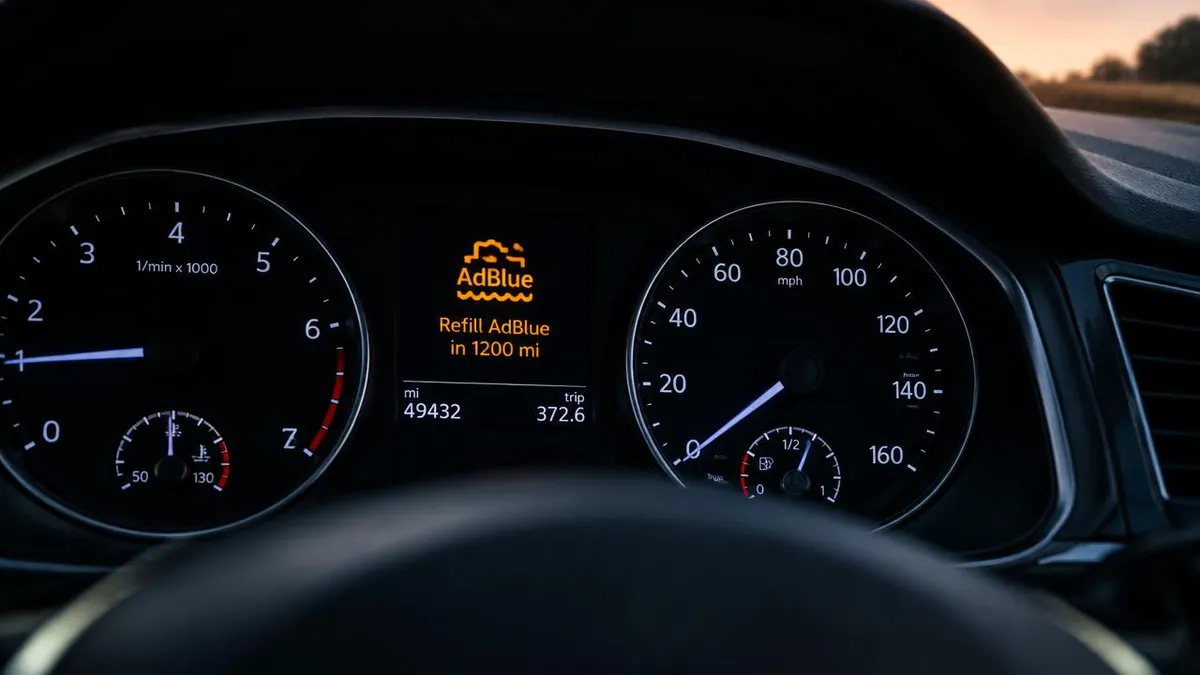
An AdBlue countdown has appeared on your car or van, and you need to know who can help. AdBlue Fix offers mobile software assistance across England for suitable vehicles, with visits to your home, workplace or another safe location, subject to availability. To arrange assistance, send your registration, postcode and a photo of the warning by WhatsApp, call us with the details, or use the quote form. We check your vehicle’s suitability before quoting. Our service is AdBlue Delete, also called AdBlue Removal: software work that stops the engine computer running or monitoring the AdBlue system and clears related warnings and the countdown.
What is your dashboard telling you?
You may be seeing a distance countdown, an AdBlue warning or a message about starting the vehicle. The exact wording matters, so take a clear photograph while safely parked rather than trying to describe the warning from memory.
Tell us whether the car or van currently starts, what distance the countdown displays and whether anything changed before the message appeared. If you have already added AdBlue or had other work carried out, include that information in your enquiry.
Know what the service includes
AdBlue Delete and AdBlue Removal are two names for the same software service. Despite the word “removal”, we do not physically remove components. We change the engine computer’s software so it no longer runs or monitors the AdBlue system.
We do not replace, fit, repair or clean parts. This work addresses the related AdBlue warnings and countdown, not unrelated engine faults. Mention any other symptoms when you contact us so the enquiry is not based on the countdown alone.
Not every vehicle is suitable. Your registration is the starting point for our checks, and we confirm suitability before providing a quote rather than assuming every diesel car or van can receive the same work.
Arrange help where the vehicle is parked
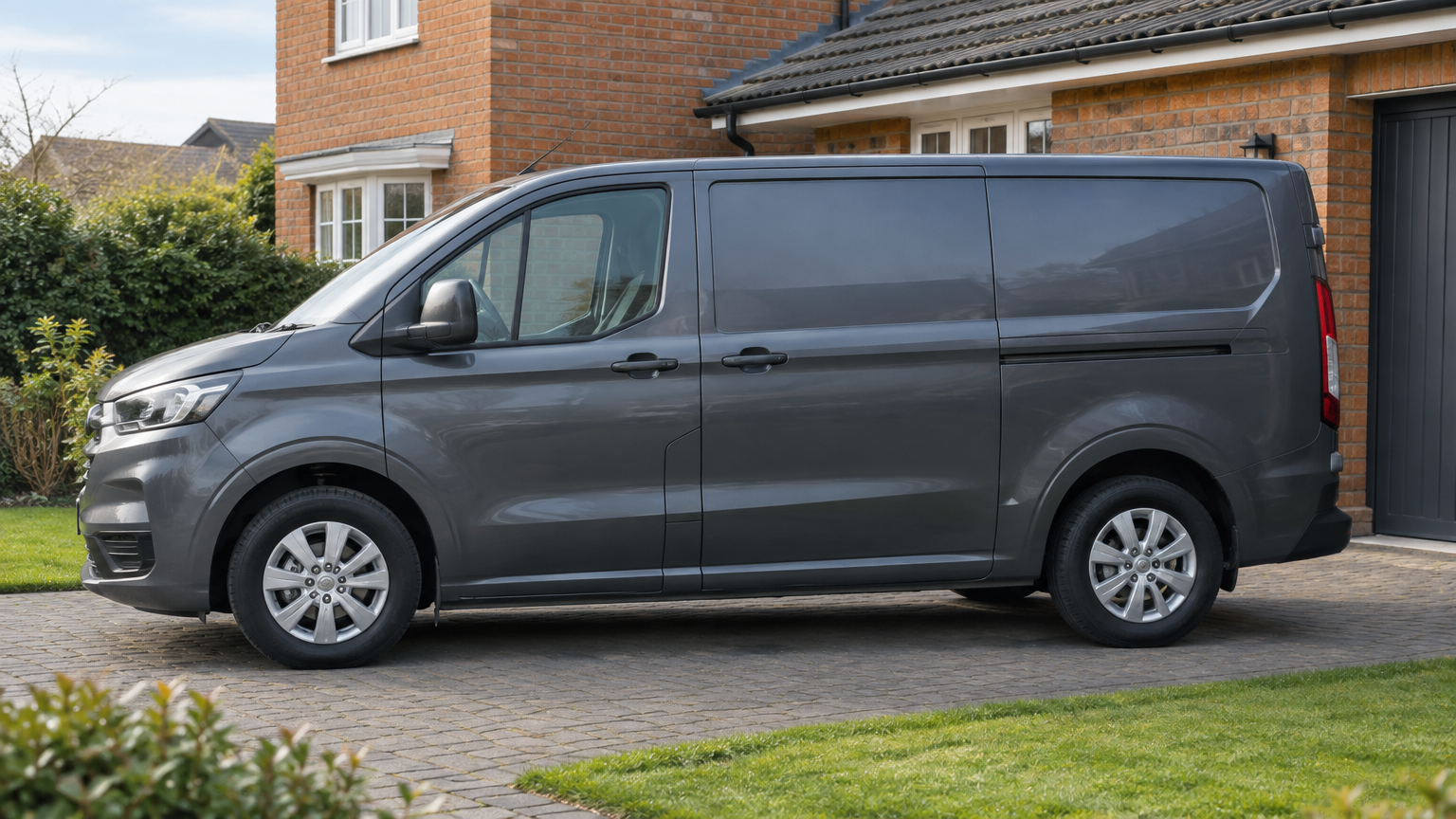
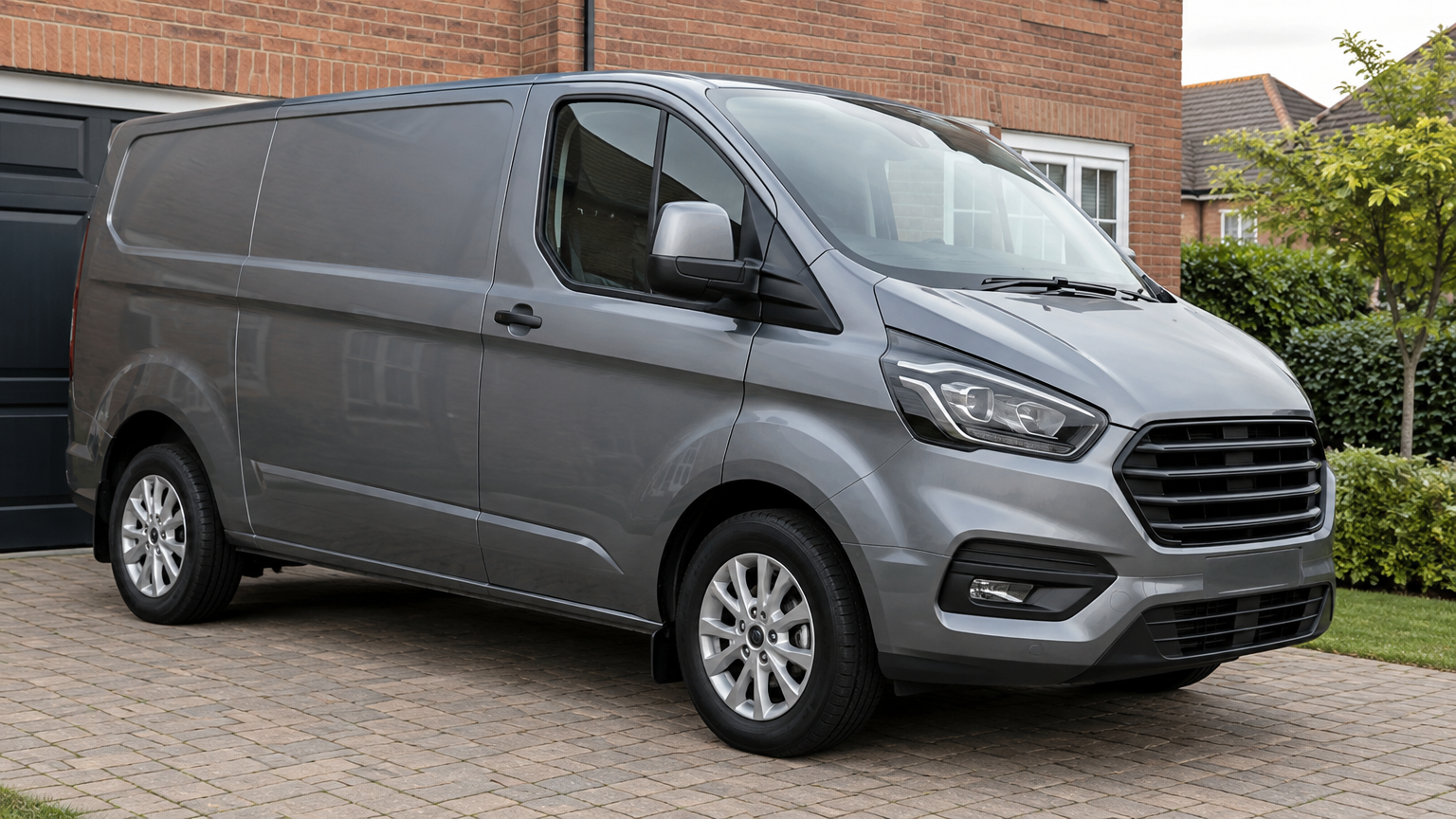
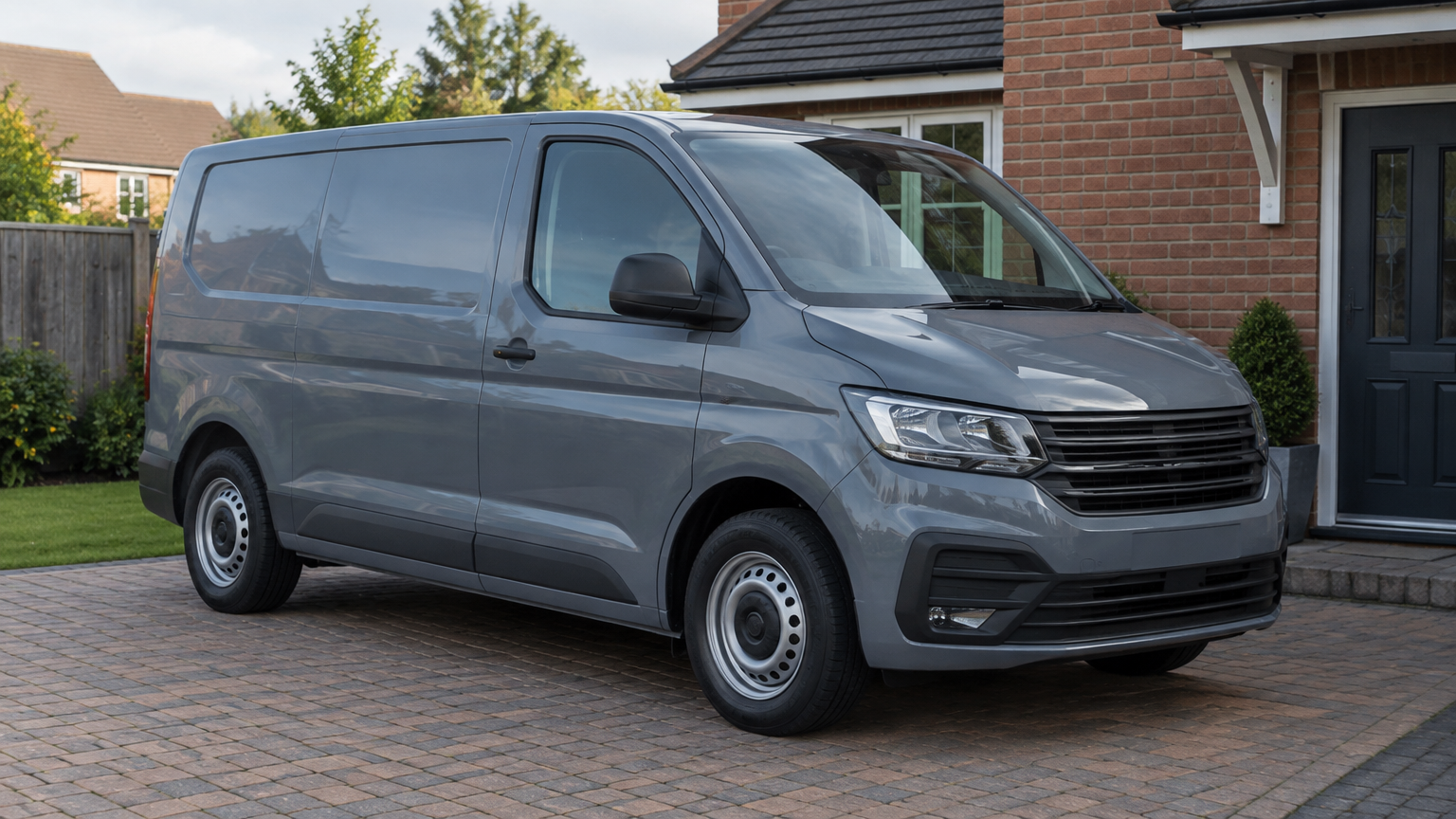
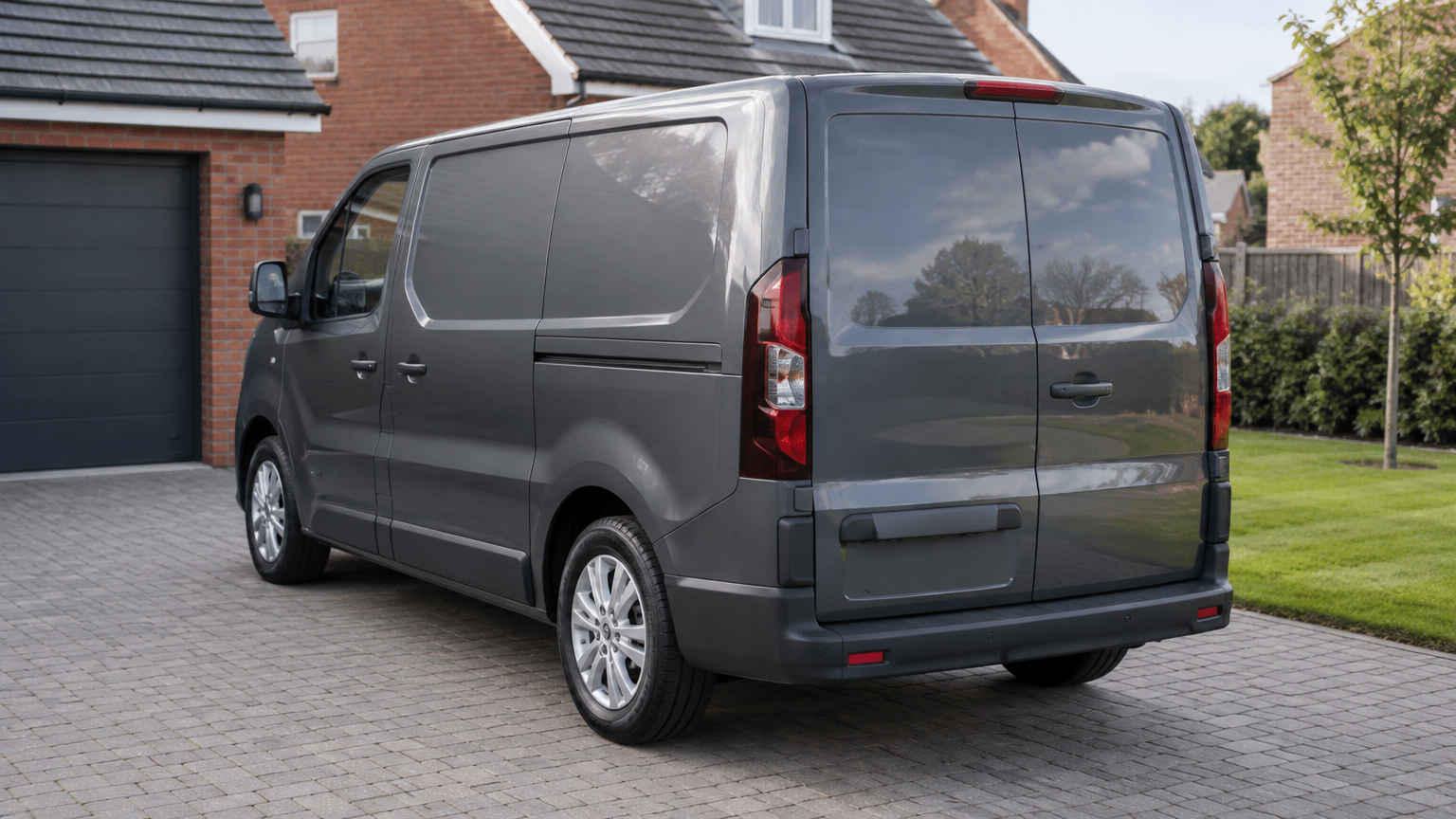
Our mobile service means you can request a visit at home, at work or at another safe place across England. Give us the vehicle’s actual location, especially if it is away from your home address.
Let us know about access restrictions, parking arrangements or a locked business yard before the appointment. We can then discuss whether the proposed location is suitable and arrange the visit around available coverage.
Standard appointments and emergency callouts
Our standard hours are Monday to Sunday, 8 AM to 8 PM. Contact us with your details to check appointment availability. A postcode helps us assess coverage, but an enquiry does not confirm a booking.
We also offer 24/7 emergency callouts, subject to location and availability. An additional emergency callout charge applies and is confirmed before dispatch. If the vehicle will not start, make that clear when you get in touch.
Why choose AdBlue Fix?
Our team has helped thousands of customers, bringing experienced technicians to mobile software work for cars and vans. We provide nationwide mobile coverage across England, subject to availability, and genuine Google reviews are available to help you assess our service.
Our No Fix, No Fee promise is straightforward: “If we cannot complete the job, there is no charge.” You receive a quote before arranging the work, with any applicable emergency callout charge explained before dispatch.
The work also includes a Lifetime Software Warranty for the software work on that vehicle. If the covered work develops a problem, we correct it again. Later software updates or recalls void the warranty. Callout charges, including emergency callout charges, are not covered.
Book mobile assistance in three steps
Have the vehicle details ready before contacting us. A clear warning photo and an accurate location help us deal with your enquiry without unnecessary back-and-forth.
- 1. Send your details: provide your registration, postcode and warning details by WhatsApp, phone or the quote form. Include a photo where possible and say whether the vehicle starts.
- 2. Get a suitability check and quote: we check whether your car or van is suitable, explain the proposed software service and confirm the quote.
- 3. Arrange your mobile appointment: agree an available visit at your home, workplace or another safe location, with access arrangements confirmed.
Useful pages
Customer FAQs
Can I enquire if the countdown has reached zero?
Yes. Send a photo of the current message and tell us whether the vehicle starts. We still need to check suitability and availability before confirming assistance.
What if I cannot send a warning photo?
Call with your registration, postcode and the exact wording shown on the dashboard. Include any displayed distance and explain whether there are other warnings.
Should I mention that I have already topped up?
Yes. Tell us when you added AdBlue and whether the warning changed afterwards. Include any recent work or software updates in the same enquiry.
Will this fix every engine warning?
No. The service covers the related AdBlue warnings and countdown. It does not fix unrelated engine faults, so report other symptoms before booking.
Can you visit my workplace instead of my home?
Yes, subject to availability and a safe working location. Supply the workplace postcode and confirm permission, parking access and any site restrictions when arranging the appointment.
Need Help With an AdBlue Warning?
Send your registration, postcode and a photo of the warning. We check suitability and confirm the price before anything is booked.
More about this service